
One system. Every business move.
Make every move count with Sanchay.
A single, intelligent platform for retail, distribution and manufacturing teams who are ready to operate with more clarity and grow with confidence.
Manage Efficiently. Sell Better.
.webp)
Why Sanchay
You've done everything to build your business. We help you take the next big step.

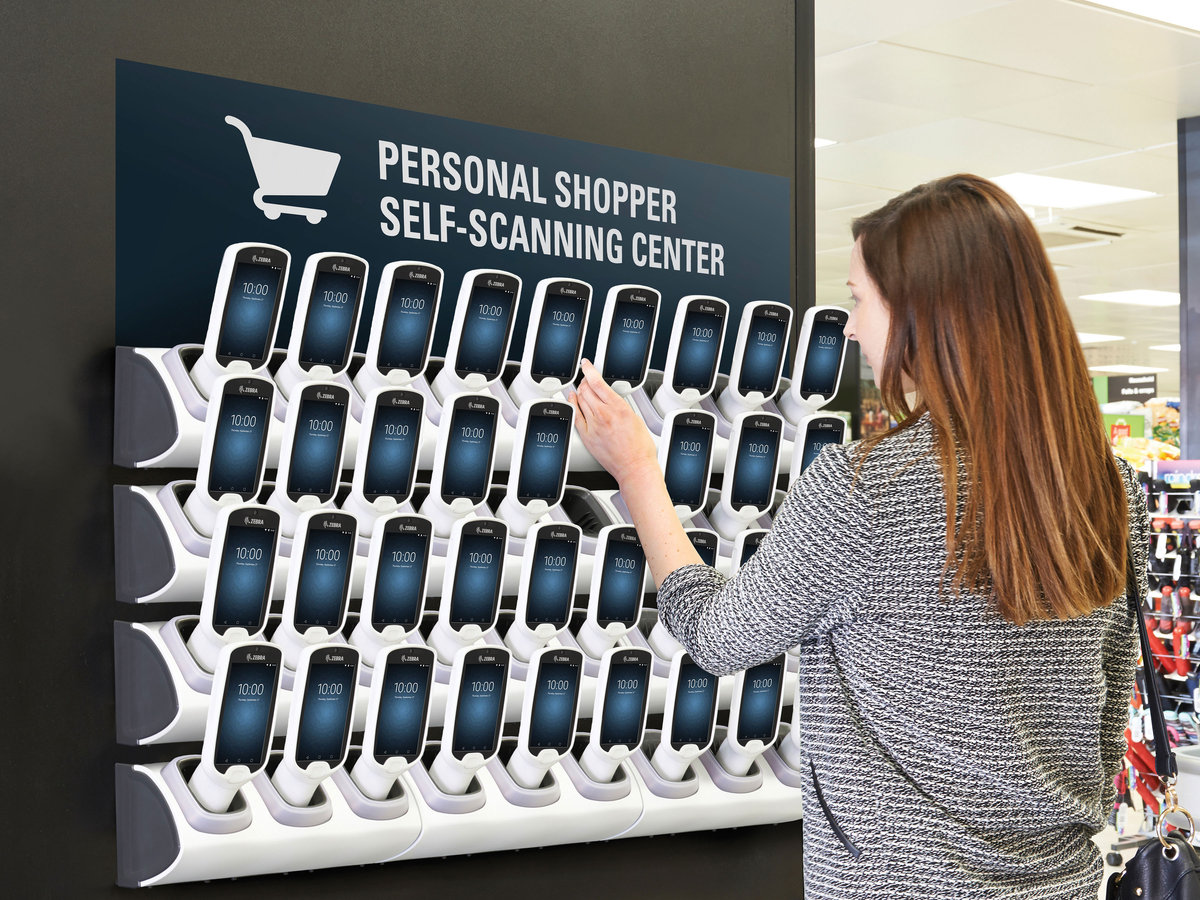
Built for your trade
Retail, distribution and manufacturing verticals we serve
👕 Apparel👞 Footwear🧵 Textile📦 FMCG🛒 Grocery💄 Beauty & Cosmetics💍 Fashion Jewellery🏠 Home Decor🧳 Luggage & Bags🍽️ Glass & Crockery🧸 Toys⌚ Watches
One platform. Many possibilities.
Built around the way your business works.
Everything you need to connect teams, keep stock moving and turn live data into your next smart decision.
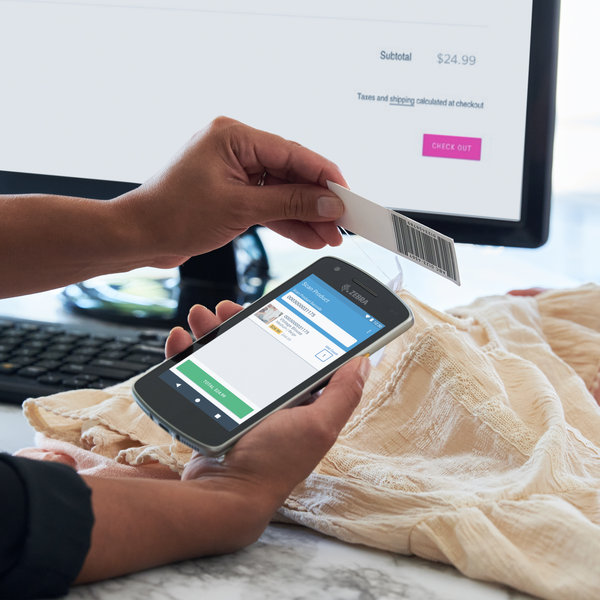


Platform
Everything your business needs
A complete, integrated suite designed to eliminate manual processes and unlock real-time business intelligence.
GST & e-Invoice Ready
Full GST compliance with automated e-Invoice generation, e-Way bills, and one-click GST return filing, always up to date with government mandates.
Multi-Store Management
Manage hundreds of stores, warehouses, and distribution points from a single centralised dashboard with real-time sync and role-based access.
Smart Inventory Control
Barcode-enabled inventory tracking, auto-reorder triggers, stock aging alerts, and batch/expiry management across all locations.
CRM & Loyalty Programs
Build lasting customer relationships with point-based loyalty, targeted promotions, WhatsApp/SMS campaigns, and purchase history insights.
Promotions & Discounts
Create discounts, seasonal promotions, and marketing campaigns that help grow your business.
Mobile & Cloud Access
Access your business from anywhere with mobile POS, delivery apps, B2B ordering apps, and cloud dashboards on Android and iOS.
Control without complexity POS & Billing
 Inventory
 Franchise
 Analytics
 Warehouse
 Customer Loyalty
The operational advantage is already in your data.
Sanchay brings the details together so your people can spend less time chasing updates and more time creating momentum.
See how it worksPOS & BillingInventoryFranchiseAnalyticsWarehouseCustomer Loyalty



Learn Sanchay
Knowledgebase — every module, documented.
Step-by-step guides from the Sanchay KnowledgeBook. Pick a module to see exactly how it works.
01
Company Details
The Company Details form is used to create or maintain the master information of a company. It captures company identity, address and contact details, statutory/tax information, bank details, document numbering configura
Explore now026 figures
User Management
The screenshots are provided as visual references for the procedures. Admin can add / edit / delete a user in this page.
Explore now0325 figures
Stock Details
This document explains the Stock Details master pages available under the Master menu, including the category, sub category, Item name, group, classification, unit, company group, Tax Master, Tax List, Product Master, an
Explore now0429 figures
General Master
This document explains the General master pages available under the Master menu. These pages store the basic information that the rest of the application uses again and again, such as states, cities, banks, expense types
Explore now056 figures
Supplier Master
This document explains the Supplier pages available under the Master menu. A supplier is a person or company from whom the business buys goods. These pages let you organise suppliers into groups, keep each supplier’s ful
Explore now069 figures
Customer Master
This document explains the Customer pages available under the Master menu. These pages let you group customers (for example Gold or Silver members), record the types of identity proof you may ask for, and register each c
Explore now0715 figures
Employee Management
This document explains the Employee Management pages available under the Master menu. These pages store the basic lists used to describe an employee (department, designation, grade, and salary heads) and the Employee Reg
Explore now0819 figures
Scheme & Promotion
This document explains the Scheme & Promotion pages available under the Master menu. A scheme is an offer given to customers, such as a discount on an item or a special price when buying a certain quantity. These pages l
Explore now094 figures
Incentive Register
This document explains the Incentive Register pages available under the Master menu. An incentive is an extra reward paid to staff for selling goods. These pages let you decide how much incentive is given, either accordi
Explore now106 figures
Critical Levels
This document explains the Critical Level pages available under the Master menu. These pages help you decide how much stock of an item should be kept in the store: the minimum quantity that should be available and the ma
Explore now1117 figures
Configuration Manager
Applies to: Billing / Inventory software (Utilities menu). Descriptions of options are based on the on-screen labels shown in the software; if exact logic differs, confirm the behavior with your software vendor.
Explore now124 figures
Printer Configuration & Utilities
The Printer Configuration screen tells the application which printer to use for each kind of printout: barcode labels, bills / receipts, and reports. It is opened from the Utilities menu.
Explore now1310 figures
Dashboard
The Dashboard is the application's summary screen. It brings sales, returns, payments received, customer and voucher counts, and sales graphs together in one place. Graphs can be viewed category wise, item wise, or suppl
Explore nowProof in progress
Good businesses deserve a system that keeps up.
From first invoice to final delivery, these businesses move forward with Sanchay every day.











































Have questions?
Frequently asked questions
Sanchay is a connected business operating system for retail, distribution and manufacturing. It brings billing, inventory, customers, suppliers and reporting together on one platform so every team works from the same live data.
Take the next step
Ready to modernize your retail operations?
See Sanchay in action. Tell us a little about your business and our team will show you the workflow that fits your world.